Note: I’m not going to be careful about early-ish spoilers here, so be warned!
Posted 2026–08–16.
I’ve been playing a bit of Arx Fatalis. On Linux no less!— using the Arx Libertatis engine. Enjoying it. Lots of fun magic and dungeons, mixed puzzles, and oddly terrible voice acting for the protagonist.
While trying to figure out the security system puzzle in the Temple of Akbaa, I came across a lever.
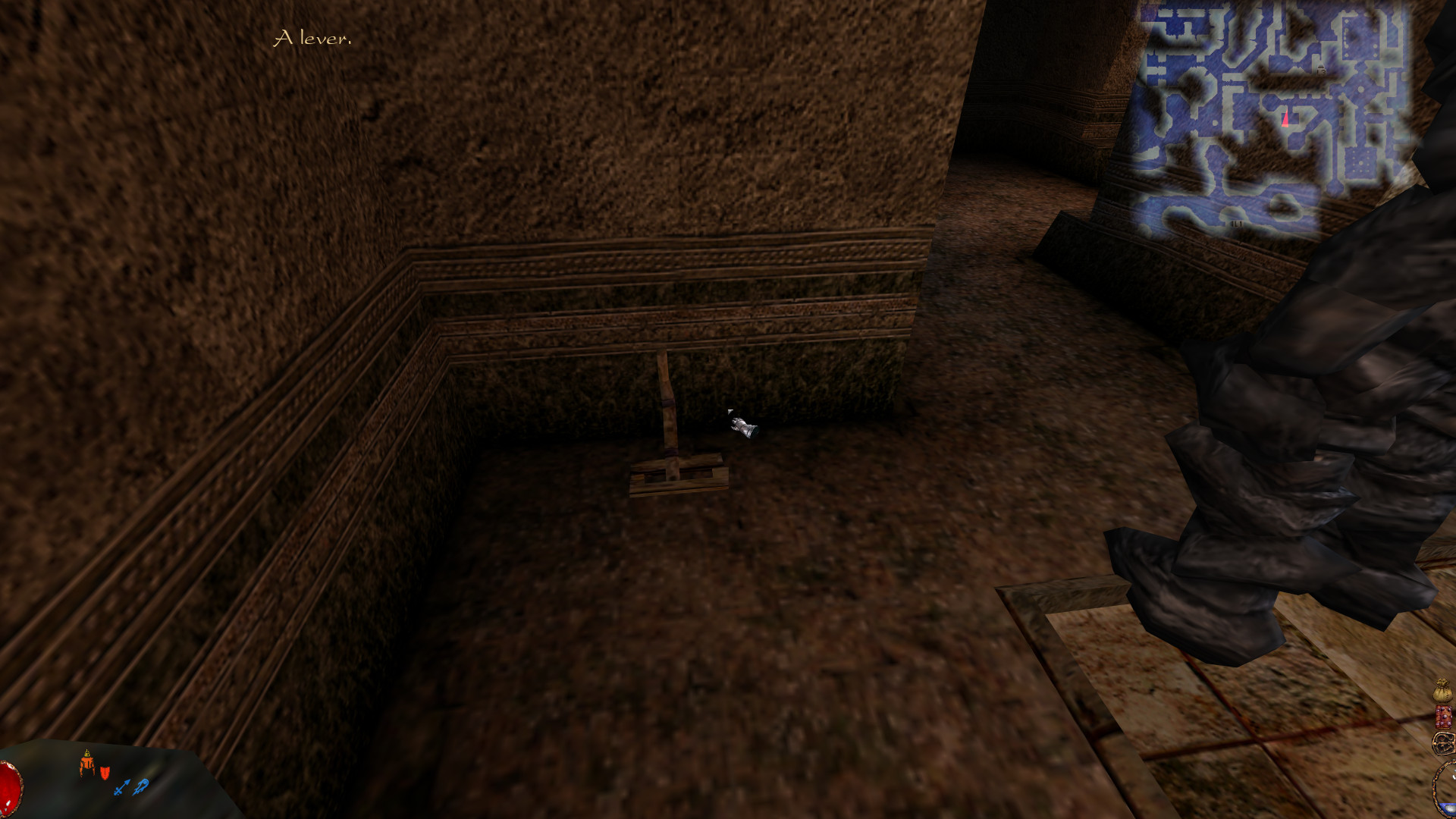
This is in addition to the pressure plate in this room, which had already been triggered by leading a golem to it, which in turn had already opened the portcullis I was trying to get through.
Pulling the lever damaged me each time it went from the “up” (default) position to the “down” position, but I couldn’t see any other effect, regardless of the state of the other mechanisms in this series of rooms.
So, what’s the deal with the lever?
The short answer
The short answer is: nothing! It’s really just like that. If you “unlock” it, it won’t damage you anymore. It’s also trapped, but if there’s a way to trigger that trap, I can’t find it.
The long answer a.k.a. method
Once I’d (eventually) solved the rest of the puzzle, I did some searching around on the internet to find out what I was missing, and found very little. There was one forum post at https://rpgdot.rpgwatch.com/localhost/rpgdot.rpgwatch.com/httpdocs/phpBB2/viewtopic9ec7–3.html?p=146366
Red says
I think that lever is just meant to be a little trap… ie: Oh, I poulled the levers in the other rooms to open the gate, I’ll pull this one too… OUCH! nope, wasn’t supposed to do that…
Well, I didn’t have any better theory, but I wasn’t satisfied.
Luckily for me, there’s a decent set of tools for digging into the Arx Fatalis game files.
First up, I ran arxunpak to unpack the game data — or at least one level of unpacking, from a .pak file to a directory structure. This left me with a directory to explore: ~/.local/share/arx/unpacked/.

unpacked directory
Poking around in graph led me to ~/.local/share/arx/unpacked/graph/levels/level*…

level directory
…and some internet searching led to the arx-convert tool, and all the other useful tools in the arx-tools org.
Well, I identified by the map.bmp that level1 contained the area I was interested in — actually level 2 in in-game terms.
A few commands from the readme: sh
# These are all node scripts
arx-header-size level1.dlf --format=dlf # 8520 in all the cases I saw
explode level1.dlf --offset=8520 --output=level1.dlf.unpacked
arx-convert level1.dlf.unpacked --from=dlf --to=json --prettify --output=level1.dlf.json
These expanded the DLF file to JSON, which I could now easily parse. Unfortunately, I learned very little.
The JSON looks like this
{
	"$schema": "https://arx-tools.github.io/schemas/dlf.schema.json",
	"header": {
		"lastModifiedBy": "raf",
		"lastModifiedAt": 1026909990,
		"player": {
			"position": {
				"x": -8072.8330078125,
				"y": -267.7666015625,
				"z": 3806.7236328125
			},
			"orientation": {
				"a": 16.484066009521484,
				"b": 191.14547729492188,
				"g": 0
			}
		},
		"numberOfPolygonsInFTS": 58963,
		"levelIdx": 1
	},
	"interactiveObjects": [
		... many objects
		{
			"name": "fix_inter/lever",
			"position": {
				"x": -7526.5615234375,
				"y": 0,
				"z": 3624.9365234375
			},
			"orientation": {
				"a": 0,
				"b": 448.553466796875,
				"g": 0
			},
			"identifier": 11
		},
        ... many more objects
    ],
    ... and some other fields
}
However, not being intimately familiar with the numerical values of positions I’d encountered in game, this didn’t help me very much to find the identifier of the particular lever I was interested in. I was also surprised to not find any mentions of golems in this file, given that a number of golems were situated near the lever in question.
Okay, a new strategy: what else is in these unpacked files? Well, there’s something interesting-looking in the obj3d hierarchy:

interactive directory
fix_inter — I just saw that in the DLF JSON, right next to the word lever. And what’s inside that? Lots of things, many of which seem like spoilers given my current progress in the game:
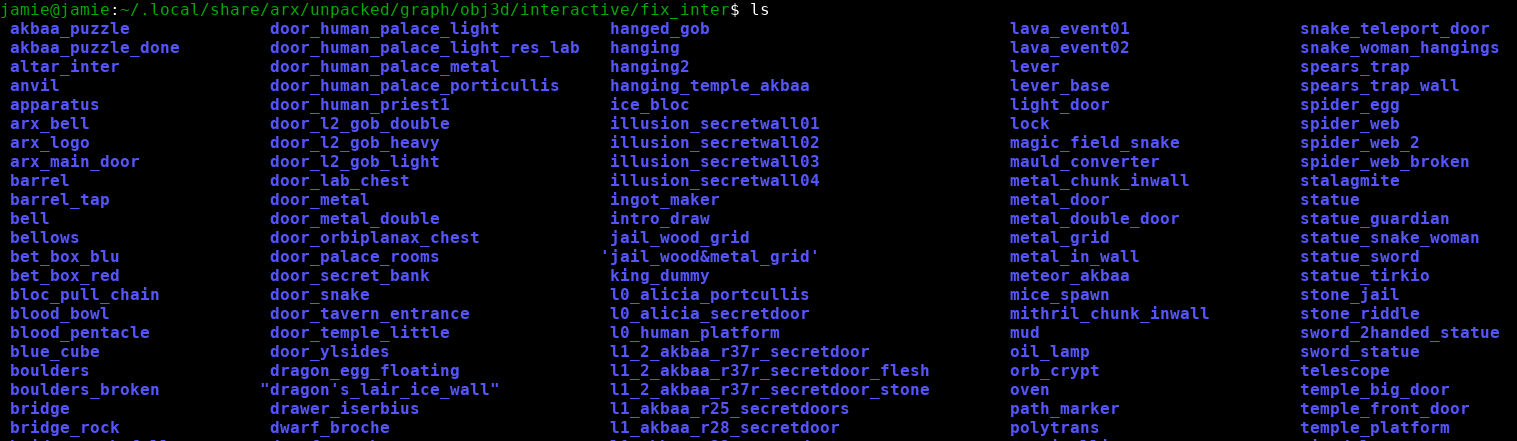
fix_inter directory
Crucially though, lever is in there.
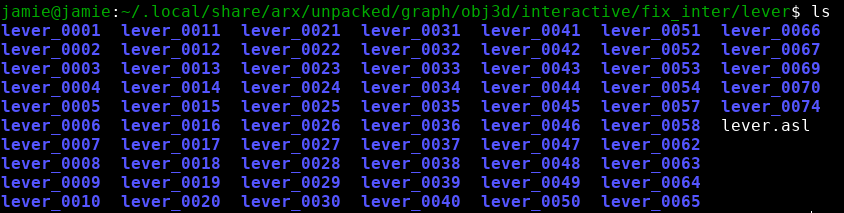
lever directory
A lot of levers. Peeking into one of them (lever_0014 as an example), I find a single file, lever.asl:
ON ACTION {
  IF (§position == 0) {
    SET §position 2
    SENDEVENT OPEN PORTICULLIS_0017 ""
    PLAYANIM -e ACTION2 SET §position 1
    ACCEPT
  }
  IF (§position == 1) {
    SET §position 2
    SENDEVENT CLOSE PORTICULLIS_0017 ""
    PLAYANIM -e ACTION1 SET §position 0
    ACCEPT
  }
 ACCEPT
}

// Level 1 lever for the hanged goblin jail
A script, with event hooks? Cool. If it’s switched one way, open a portcullis, and if switched the other way, close the portcullis. Makes sense.
Note: when originally viewing these with cat, the § showed up as an unknown character. Thanks to asl-cookbook for pointing out that these files use ISO–8859–15 encoding.
I had to go to bed, but it occurred to me as soon as I stepped away from the computer that — of course — the identifier of the lever would be easier to find in-game using the debug views.
So, next time I got a chance to play, I jumped in game, navigated my way back to the temple, discovered that it was now host to a couple of Ylsides, figured out the commands to remove them (for science’s sake!), made my way to the security room, switched on the Entities debug view, and got my answer:
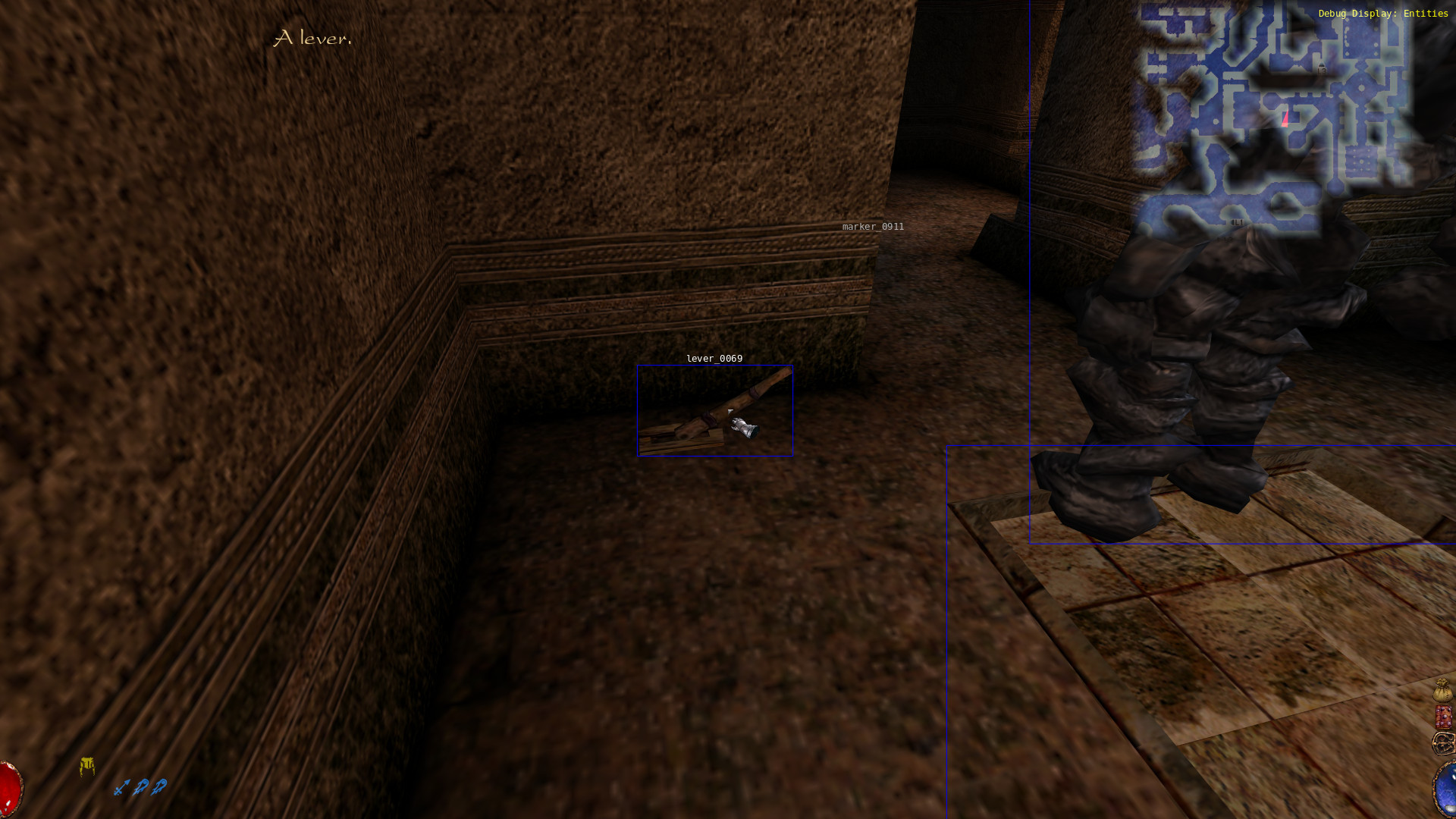
lever_0069 — definitely not in the DLF file I examined before. However, it was enough for me to look for its ASL script.
ON INIT {
 SET §lockpickability 40
 SETTRAP 20
 ACCEPT
}

ON ACTION {
  IF (§unlock == 0) {
    IF (§position == 0) {
      SET §position 2
      PLAYANIM -e ACTION2 SET §position 1
      PLAY "Bow_end"
      IF (^DIST_PLAYER < 400) DO_DAMAGE PLAYER 10
      ACCEPT
    }
    IF (§position == 1) {
      SET §position 2
      PLAYANIM -e ACTION1 SET §position 0
      ACCEPT
    }
   ACCEPT
  }
  IF (§unlock == 1) {
    IF (§position == 0) {
      SET §position 2
      PLAYANIM -e ACTION2 SET §position 1
      ACCEPT
    }
    IF (§position == 1) {
      SET §position 2
      PLAYANIM -e ACTION1 SET §position 0
      ACCEPT
    }
   ACCEPT
  }
 ACCEPT
}
Note: Far as I can tell the §unlock and §position variables are initialised in the root lever.asl in the ~/.local/share/arx/unpacked/graph/obj3d/interactive/fix_inter/lever directory.
That’s not a complicated script:
- Make the lever locked, with a “pickability” of 40
- When the “action” happens
- If it’s not unlocked, and we’re switching the lever “down”
- Hurt the player if they’re close enough!
What? Why? And if it’s unlocked, it doesn’t harm the player? And it does nothing else?!
I jumped back in game, and gave myself enough technical skill to unlock the lever and see the red colour from the trap.
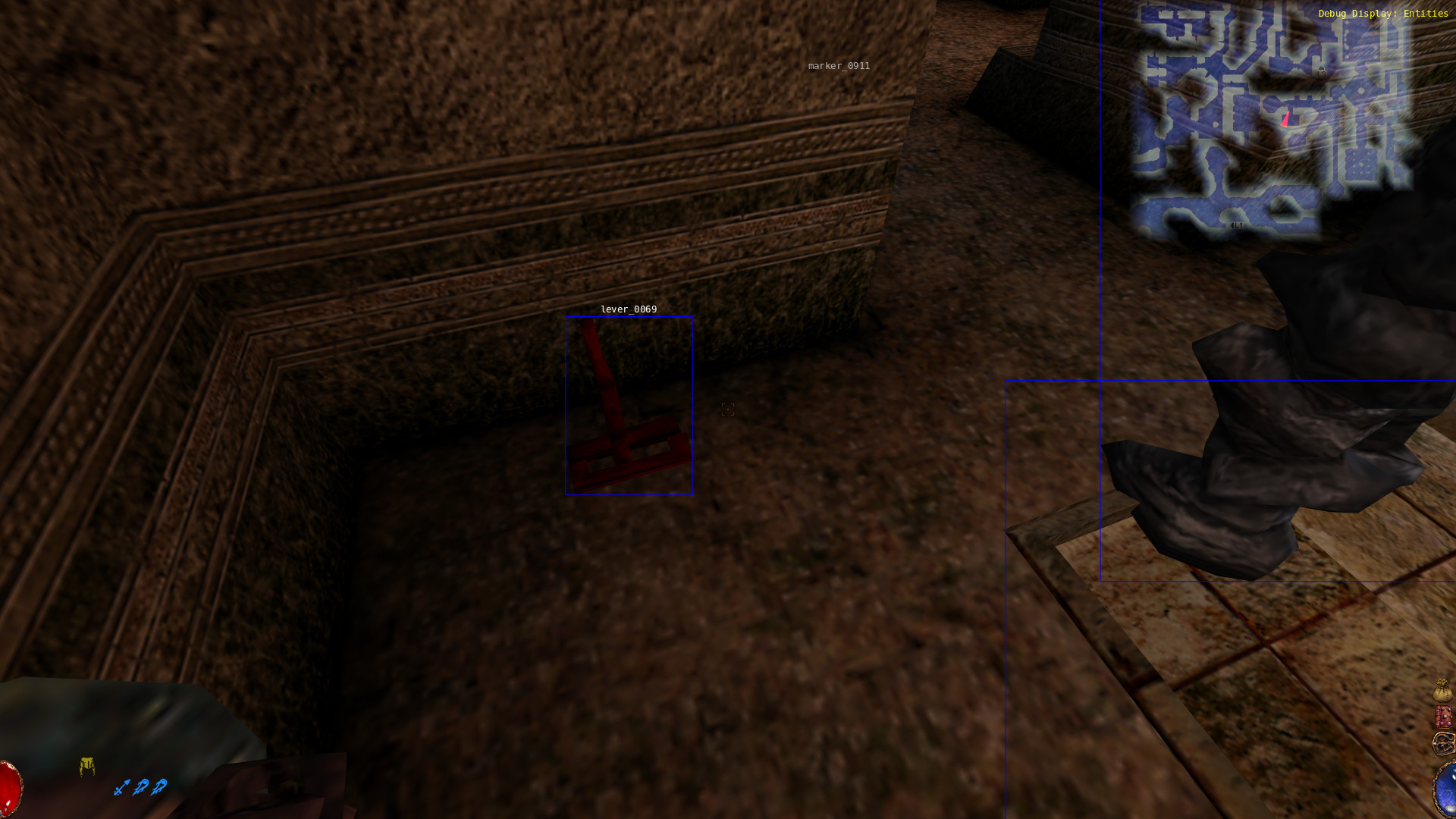
Sure enough, after I “unlocked” it, the lever no longer damaged me.
That- that’s about it.
One last thing
I should also mention, the reason I couldn’t find this lever in the DLF file is that the temple area is represented as a different level in the directory structure. I went through and unpacked them all, then searched for "identifier": 69 throughout all levels, and there it is on level14 along with plenty of npc/golem and other things I’d expect to see. Mystery solved.